
Show the Star Local Deals voucher to the Super Pasta team and confirm how they will redeem it before you pay. The existing partner offer lists 10% off, but its QR code does not automatically apply a discount in Careem or Deliveroo. If you want to use the voucher, first agree the order route and the applicable total directly with the restaurant. This checklist helps you avoid treating an offer page as an app checkout code.
Open the actual partner voucher, not an old message
Start from the Super Pasta partner page on Star Local Deals. It brings the existing voucher, restaurant website and WhatsApp contact together. Keep the offer open so you can show the team the same information you are asking about rather than describing a screenshot that may have lost its context.
Check the page again when preparing your order. A saved promotion is not a confirmation that a particular meal, collection time or arrangement is available. If any detail is unclear, ask the restaurant before deciding how to order. This article adds no new discount, expiry date or set menu.
Choose your order route before discussing the voucher
Decide whether you are asking the restaurant about an order directly or intend to use a delivery platform. The partner page explicitly says the QR code does not automatically apply the offer in Careem or Deliveroo. Do not assume that opening or scanning it changes the total displayed by either app.
For a direct enquiry, tell the team you found Super Pasta through Star Local Deals and want to discuss the voucher. If you prefer an app order, review that platform’s current listing and final checkout on its own terms. Ask the restaurant about any unresolved voucher question before paying; an enquiry alone does not change a platform order.
Ask which items and arrangements the team can confirm
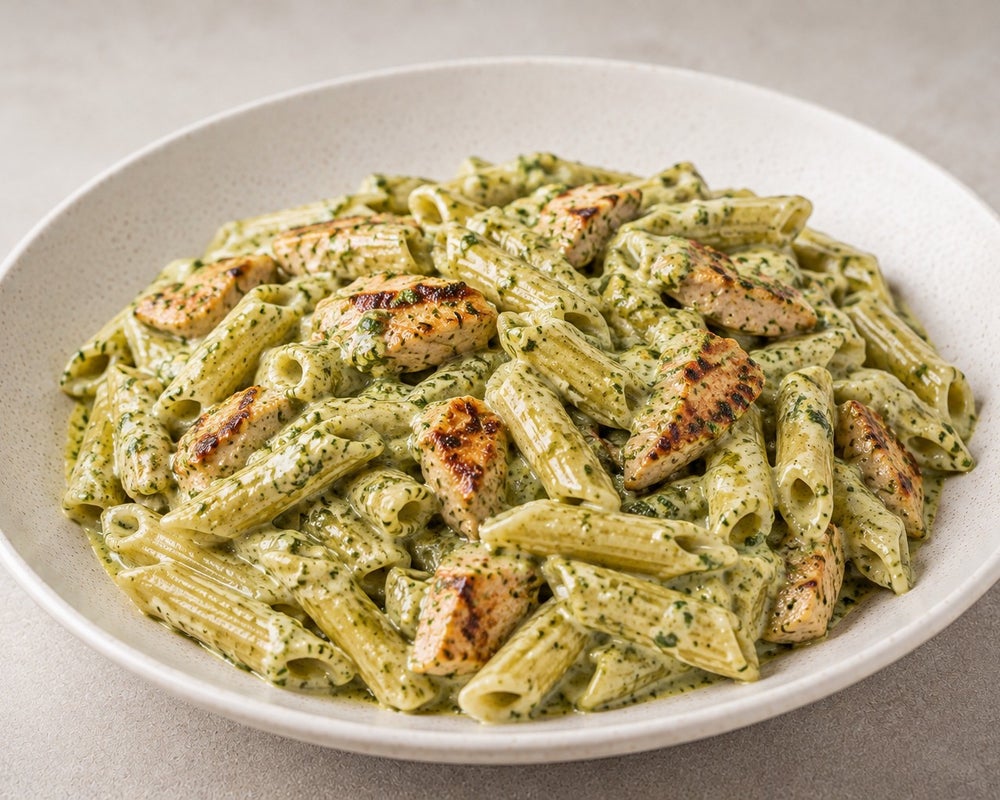
Use the current menu to name the food you are considering, then ask how the voucher would be handled for that specific order. Super Pasta’s partner listing describes pasta, smashburgers, loaded fries and Dutch snack buns. That overview helps you begin a question; it does not establish which items can be ordered at every moment.
A useful enquiry is: “I found the Star Local Deals voucher. I would like to order [current menu items] by [proposed route]. Can you confirm how redemption works for this order and what total I should approve?” Replace the brackets with your own choices. Do not turn an unconfirmed preference into an agreed order.
Keep the voucher check separate from food questions
Tell the team about ingredient questions or requested changes before you confirm the food. A discount does not answer whether a dish suits an individual requirement, and a menu photograph cannot confirm ingredients or preparation. Ask about the exact dish and wait for a direct answer.
Likewise, discuss collection details or any delivery question separately from the voucher. A restaurant’s location in Meydan does not establish delivery coverage for your address. Let the actual ordering route check the address, options and arrangements that apply to your enquiry.
Review the agreed total before you pay
The existing voucher asks visitors to show it before paying and arrange redemption directly with Super Pasta. At that point, confirm the items, quantities, order route and final total with the team. Ask for an explanation if the figure differs from what you expected instead of relying on your own calculation from a photograph.
Keep the order confirmation together with any agreed collection details. A QR scan, a WhatsApp question and an accepted food order are different steps. If you already ordered through a platform, contact the relevant provider or restaurant about that order rather than assuming that a later scan will change it.
Prepare one clear message to Super Pasta
Before opening the existing WhatsApp route, collect your food choices, intended ordering method and the specific voucher question you need answered. Mention Star Local Deals as the source. Send only the details needed to discuss the order and wait for the restaurant’s confirmation.
Use the partner-page buttons below to view the actual voucher and menu. The restaurant confirms redemption and ordering arrangements; Star Local Deals helps you find the offer and prepare your questions. For more restaurant discoveries and practical booking tips, follow our official WhatsApp channel using the green follow button.
Open the voucher and contact the restaurant
Super Pasta partner page and existing voucher ↗
Check the current Super Pasta menu · Ask Super Pasta about redemption
Explore Dubai · More Dubai restaurant listings · All Star Local Deals guides